Skip to main content
How Can We Help?
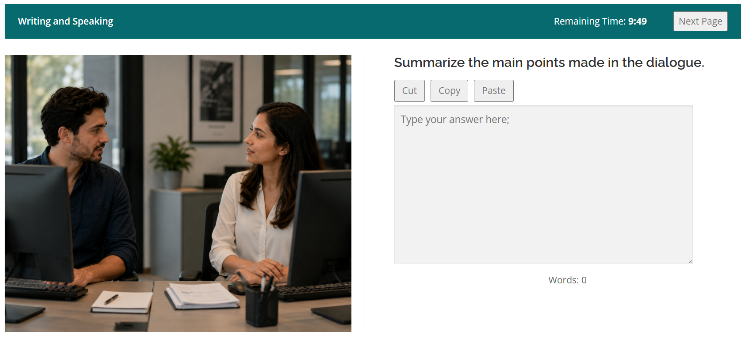
A Split Page allows two questions to be displayed side by side on the same page.
This is useful when one part of the page contains a text, image, chart, or other information that students need to read while answering a question.
How It Works
To create a split layout:
- Open the Questions screen for the page.
- Add a Description question.
- Add the question that the student should answer.
- Arrange the two questions next to each other on the page.
The Description question is used for the content that should be displayed alongside the question. It does not require an answer and does not have points.
For example, a Description question can contain a reading passage while a Multiple Choice question is displayed beside it.
Typical Uses
A Split Page can be used for:
- A reading passage next to a Multiple Choice question
- A text or article next to a question
- An image, chart, or table next to a question
- Instructions or reference material next to a question
The Description question provides the information, while the other question provides the task that the student must answer.