Skip to main content
How Can We Help?
To add a page to a quiz, go to EAS > Quizzes, find the required quiz, and click Pages. Click Add New Page.
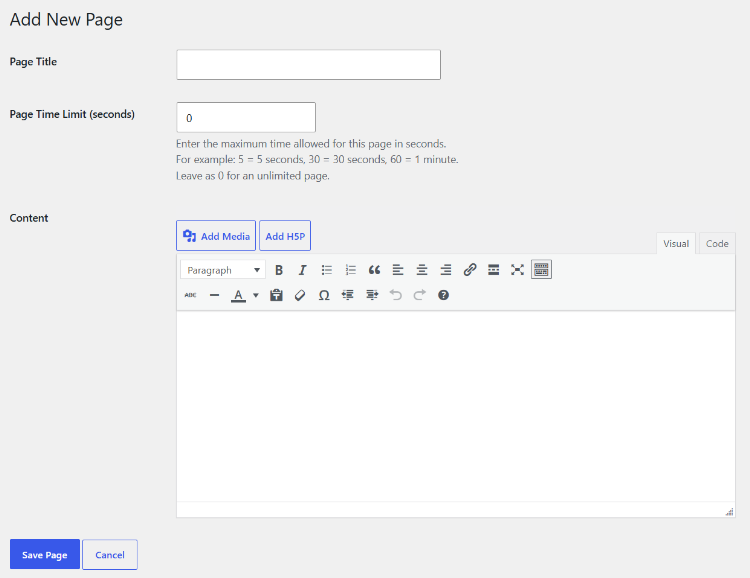
Enter a Page Title. The title identifies the page in the quiz and in the page-management screen.
Page Time Limit
A page can have its own time limit.
Enter the maximum number of seconds allowed for the page. For example:
30= 30 seconds60= 1 minute120= 2 minutes
Enter 0 if the page should have no page-specific time limit.
Content
Use the WordPress editor to enter the content displayed on the page. Page content can be used for instructions, reading passages, introductions, explanations, or other material that students need before answering the questions.
After entering the information, click Save Page.
The page is added to the quiz. Questions can then be added to the page through its Questions link.