The EAS Navigation Panel helps students move through the pages of a quiz. The panel displays the pages of the current quiz and allows students to identify their current position in the assessment.
The available navigation depends on the Backward Navigation setting of the quiz.When backward navigation is allowed, students can use the Navigation Panel to return to pages that they have already visited.
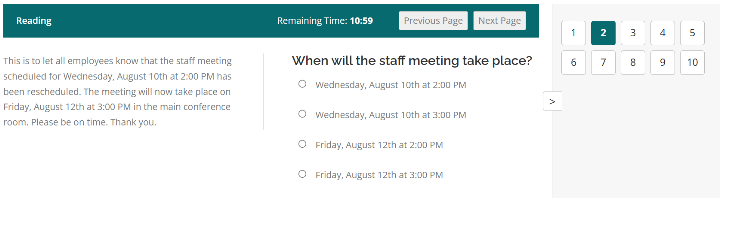
The Navigation Panel can be hidden by the student during the quiz.
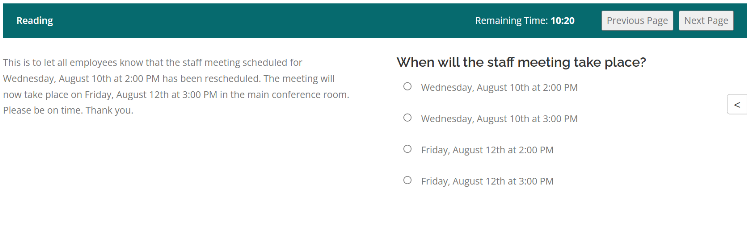
If backward navigation is disabled, students cannot use the Navigation Panel to return to an earlier page. They must continue through the quiz in the permitted direction.
The Navigation Panel is therefore especially useful in quizzes containing several pages because students can see the structure of the assessment without leaving the current quiz.
The navigation controls should be checked when previewing a quiz, particularly when the quiz uses multiple sections or has restrictions on movement between pages.