EAS can import questions in Moodle GIFT format.
Go to EAS > Quizzes > Questions and click Import Questions (GIFT).
Paste the GIFT-formatted questions into the import field and click Import GIFT Questions.
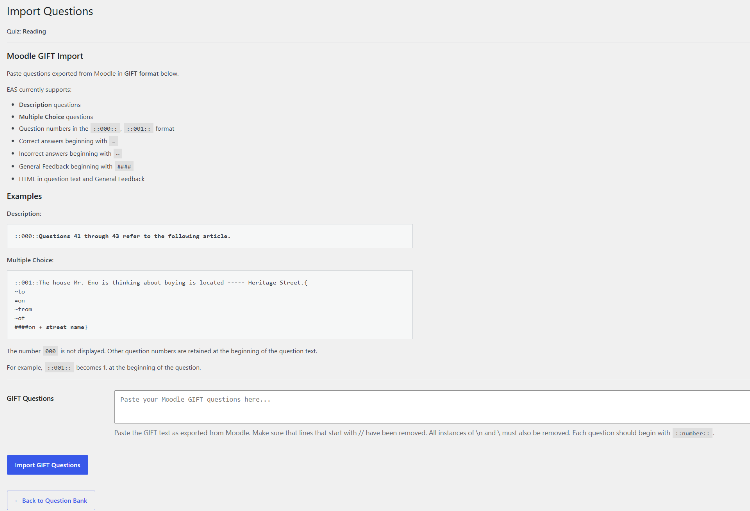
EAS currently supports GIFT imports for:
- Description questions
- Multiple Choice questions
- Question numbers
- Correct answers beginning with
= - Incorrect answers beginning with
~ - General Feedback beginning with
#### - HTML in question text and General Feedback
Each question should begin with a question number in the form:
::001::
For example:
::001::The house is located ----- Heritage Street.{
~to
=on
~from
~of
####on + <strong>street name</strong>}
The special number ::000:: is used for a Description question and is not displayed as a question number.
Other question numbers are retained and displayed at the beginning of the question.
Before importing, make sure that the GIFT text has been cleaned as required by the import screen. In particular, remove lines beginning with // and unwanted escape sequences.
Imported questions are added to the quiz’s Question Bank. They can then be edited, previewed, deleted, or assigned to pages.