Skip to main content
How Can We Help?
A question can be previewed directly from the Question Bank.
Go to EAS > Quizzes > Questions and find the required question. Click Preview.
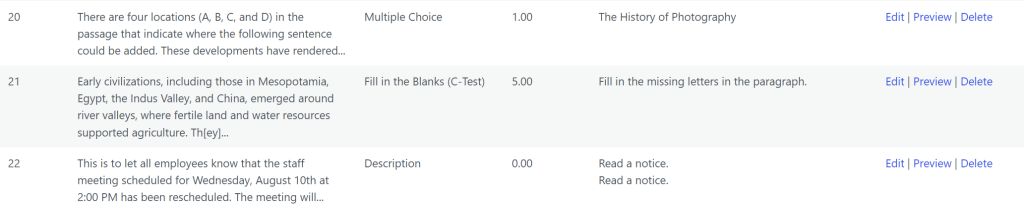
Question preview is useful for checking the student-facing appearance of a question before it is used in an assessment.
Check the following:
- Question text
- Formatting
- Answer options
- Correct-answer configuration
- Points
- Feedback
- Question-specific settings
- Audio or other interactive elements, when applicable
Previewing is especially useful after creating or editing questions with more complex structures, such as Drag and Drop into Text, Fill in the Blanks, Essay, or Audio Response. If a problem is found, return to the Question Bank and click Edit to make the required correction.