Skip to main content
How Can We Help?
-
Documentation for EAS
-
Documentation for EASE
-
- Review
- Chained Quizzes
- Quiz Result
- Quiz Access
- Quiz Templates
- Duplicating a Quiz
- Deleting a Quiz
- Previewing a Quiz
- Editing a Quiz
- Adding a Quiz
- Manage Quizzes
- Quiz Basics
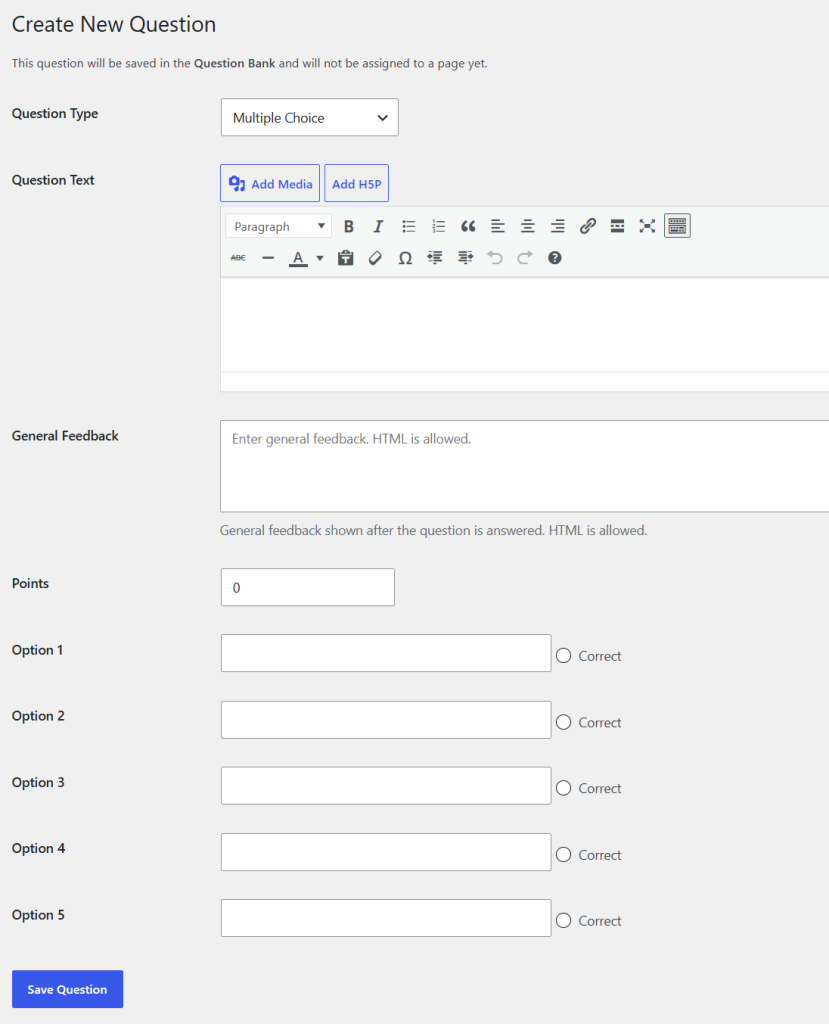
A Multiple Choice question presents a question and a list of answer options. The student selects the correct answer.
EAS provides up to five answer options for a Multiple Choice question.
When creating the question:
- Enter the question text.
- Enter the answer options.
- Select the correct option.
- Enter the number of points.
- Add general feedback if required.
Only one option is selected as the correct answer in the standard Multiple Choice question.
The Shuffle Options in quiz setting can be used to display the options in a different order for different attempts. If Shuffle Options is enabled, the order in which the options are displayed to students may change, but the correct answer remains associated with the correct option.
Multiple Choice questions are automatically graded by EAS.
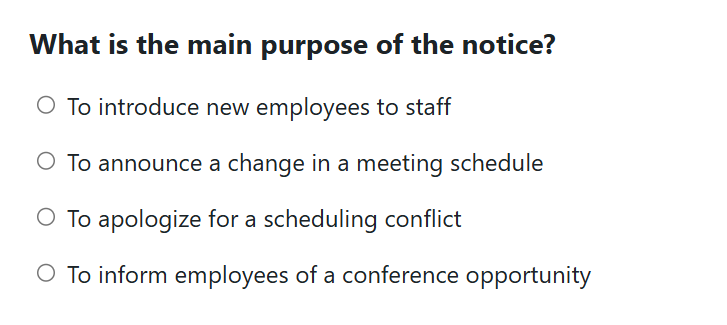
Use Preview after creating the question to check the wording, formatting, options, and correct answer.